
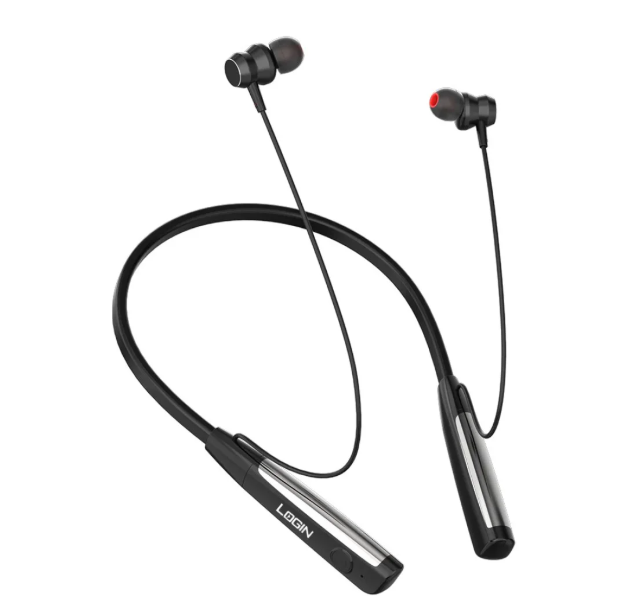
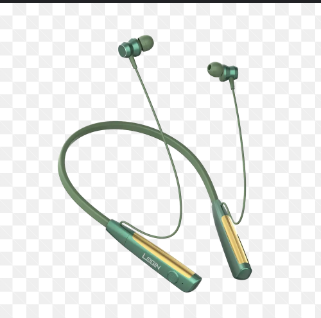
Login L‑260 Bluetooth Neckband
Original price was: ₨ 4,299.0.₨ 3,390.0Current price is: ₨ 3,390.0.
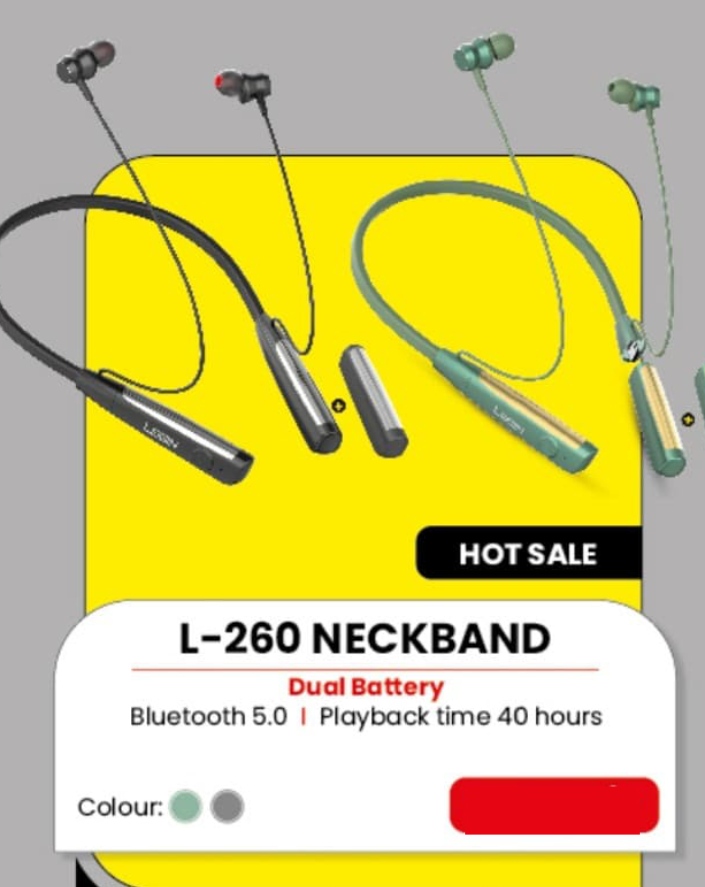
The L-260 Neckband features dual battery, Bluetooth 5.0, and 40 hours playback. Available in green or grey for Rs.3,390/-. #ALLINTHEVIBE!
Out of stock
The L-260 Neckband offers an exceptional audio experience with its dual battery design and Bluetooth 5.0 technology. Enjoy an impressive 40 hours of playback time, perfect for all-day use. Available in stylish green and grey colors, this neckband combines comfort and durability at an attractive price of Rs. 3,390/-. Grab yours now during this hot sale and immerse yourself in the vibe with #ALLINTHEVIBE!
How to Connect (Pair) Your Login L‑260 Neckband
The Login L‑260 Neckband is a popular Bluetooth neckband with Bluetooth 5.2 connectivity, noise cancellation (ENC), magnetic earbuds, and up to ~20–40 hours of playtime depending on the model and battery configuration.
Login Smart Technology
+1
📱 Step‑by‑Step Pairing
Turn On Bluetooth
Go to your phone or device’s Bluetooth settings and enable Bluetooth.
Power On the Neckband
Press and hold the power button on the neckband until you hear a voice prompt or see a blinking LED light.
Search for Devices
On your phone, scan for available Bluetooth devices. You should see something like “Login L‑260” in the list.
Tap to Connect
Tap the “Login L‑260” name in your Bluetooth list. Your phone and neckband will pair automatically.
Connection Confirmation
Once connected, a voice prompt or solid light usually confirms the pairing. You can now play music or take calls from your device.
👉 There is no login screen or account needed — pairing via Bluetooth is all that’s required to use the neckband.
🧠 Tips for Best Connection
Stay within 10 meters (30 feet) of your phone for a stable connection.
Login Smart Technology
If it doesn’t show up, restart Bluetooth on your phone and try again.
Make sure the neckband has enough battery power before pairing.
🛠 Quick Troubleshooting
If the neckband won’t pair, turn it off and on again.
Forget the device in your phone’s Bluetooth settings and re‑scan.
Keep the phone and neckband close together during pairing.
Related products
-
Sale!
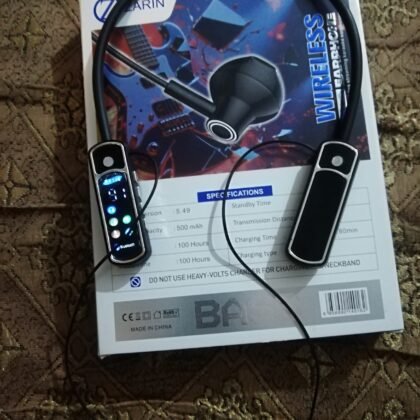
Zarin BT-30 Bluthooth Neckband 100 Hours Talking Time
Original price was: ₨ 3,599.0.₨ 2,500.0Current price is: ₨ 2,500.0. -
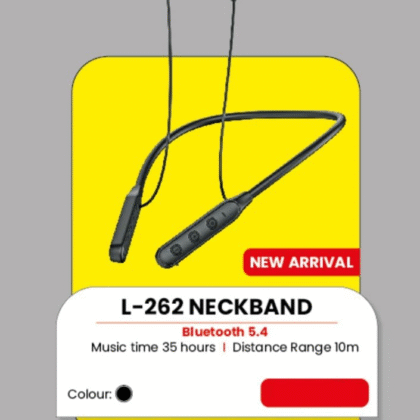
L-262 Neckband
₨ 2,599.0 -
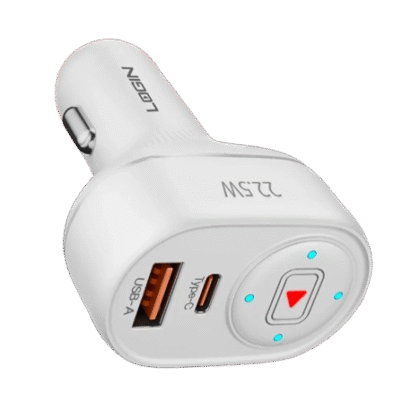
L-600 Car Charger (22.5W , Micro)
₨ 899.0